Standalone Page Deployment
Every ZipTier campaign automatically gets a unique, shareable URL that hosts your AI Assistant on ZipTier's platform. This is the simplest deployment option and requires no technical setup.
How It Works
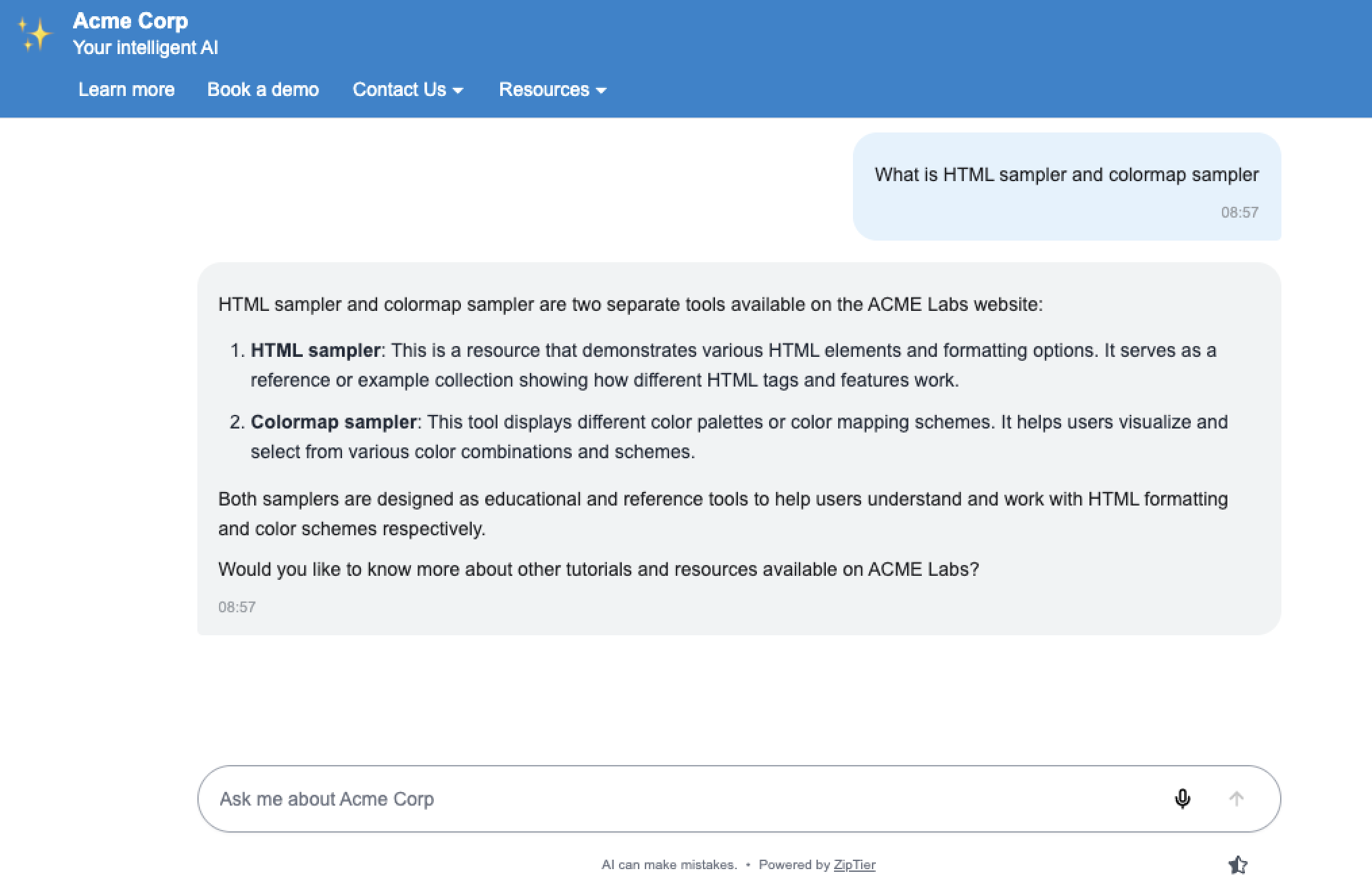
Your campaign link takes visitors directly to a full-page AI Assistant experience. The page displays your branding, greeting message, and all customizations configured during campaign setup.
Example URL:
https://zip.ziptier.ai/chatBelow is a ZipTier standalone chat page, showing the branded header, chat messages, and message input on its own full-page URL.
How to Use It
- Copy the campaign link from your campaign confirmation screen or dashboard.
- Share the link directly with your audience via:
- Email campaigns and newsletters
- Social media posts
- QR codes on printed materials
- Text messages or chat apps
- Presentation slides
Advantages
- Zero setup required. Just copy and share.
- Works everywhere. Any device with a browser.
- Full-screen experience. Distraction-free conversation.
- Easy tracking. A simple URL for campaign analytics.
- QR-code friendly. Ideal for print materials and events.
Best Practices
- Use URL shorteners (like bit.ly) for cleaner links in social media.
- Create QR codes for event signage, business cards, or printed collateral.
- Include a clear call-to-action alongside the link (e.g., "Ask our AI Assistant") so recipients understand what they'll get when they click.
Troubleshooting
- Link not working. Verify the campaign is within its active date range.
- Wrong content displaying. Confirm you're using the correct campaign link.
- Page not loading. Check your internet connection and try refreshing.
Want to put the AI Assistant on your own site instead? See the Website Embed guide, or use Custom Triggers to launch it from existing buttons and elements.