Booking
The Booking settings let you configure the default calendar your AI Assistant uses for in-chat meeting bookings across your campaigns. Find it at Booking in Settings.
Below is the Booking settings page, showing the scheduling provider, scheduler URL, and booking visibility options.
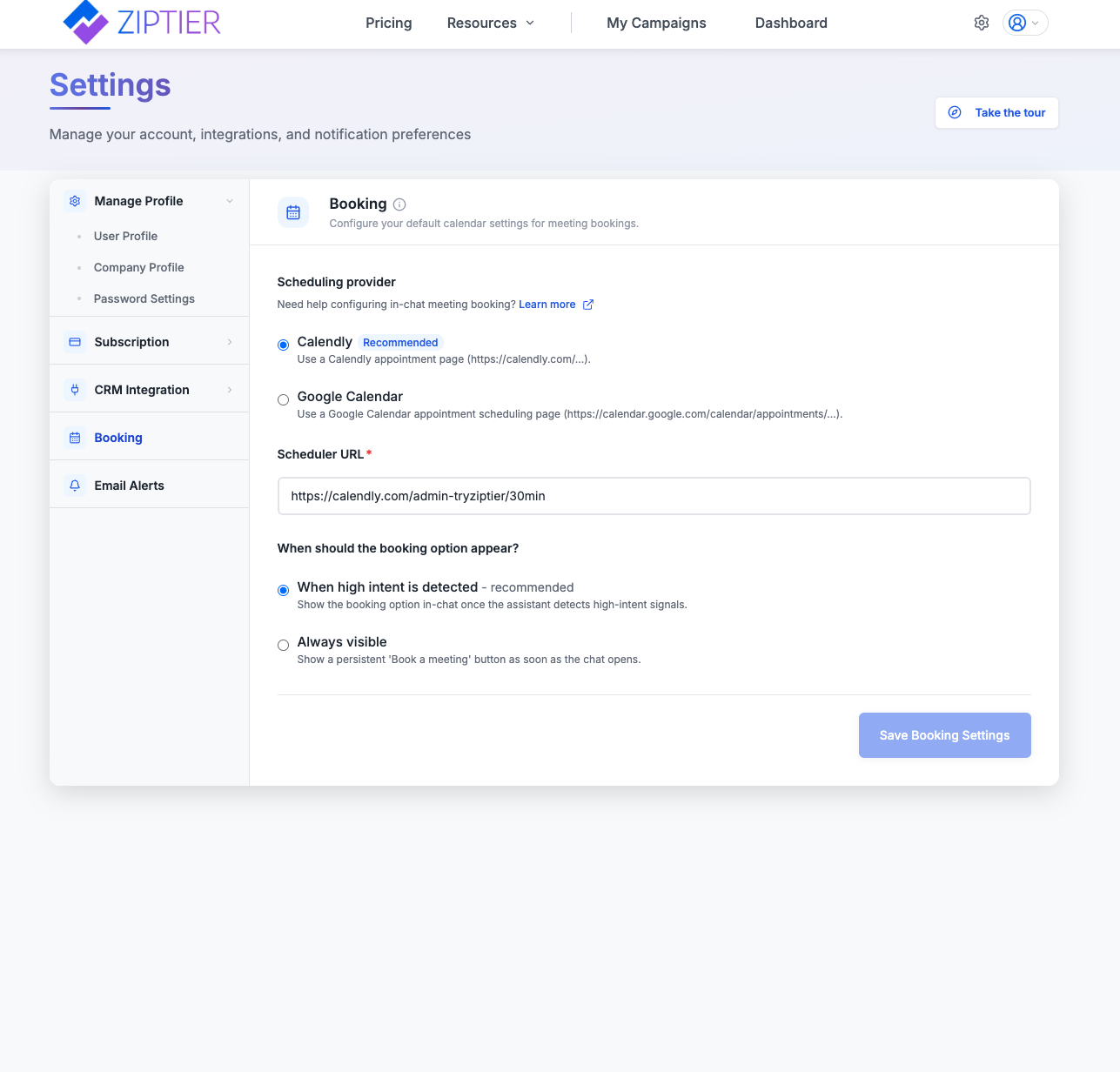
Scheduling Provider
Choose which calendar tool powers your bookings:
- Calendly (Recommended): Use a Calendly appointment page (e.g.,
https://calendly.com/...). - Google Calendar: Use a Google Calendar appointment scheduling page (e.g.,
https://calendar.google.com/calendar/appointments/...).
Scheduler URL
Paste the direct booking link for your chosen provider. This is the page visitors land on when they choose to book a meeting from the chat.
When Should the Booking Option Appear?
- When a high scoring lead is detected (recommended): Show the booking option in-chat once the lead scores High on Fit and Intent together.
- Always visible: Show a persistent "Book a meeting" button as soon as the chat opens.
These are your account-wide defaults. Individual campaigns can still override meeting booking behavior in their own settings. See In-chat Meeting Booking for the full picture.